Share Access with your Team Members

ServerAvatar allows you to share your servers and hosting setups with unlimited possibilities. Explore the ServerAvatar’s sharing capacity.

Apart of Professional plan.

4 Ways to share your servers.

There are multiple ways to share your servers for various use cases. Whether you want to share your server temporarily with a developer, or want to provide white-labelled access to clients, you can do it all.

Server Sharing

Share a single server temporarily with freelancers or temporary team members. You can also limit the access to the server with permissions.

This is the heading

Share a single server temporarily with freelancers or temporary team members. You can also limit the access to the server with permissions.

This is the heading

Share a single server temporarily with freelancers or temporary team members. You can also limit the access to the server with permissions.

This is the heading

Share a single server temporarily with freelancers or temporary team members. You can also limit the access to the server with permissions.

Manage Multiple Teams and Members

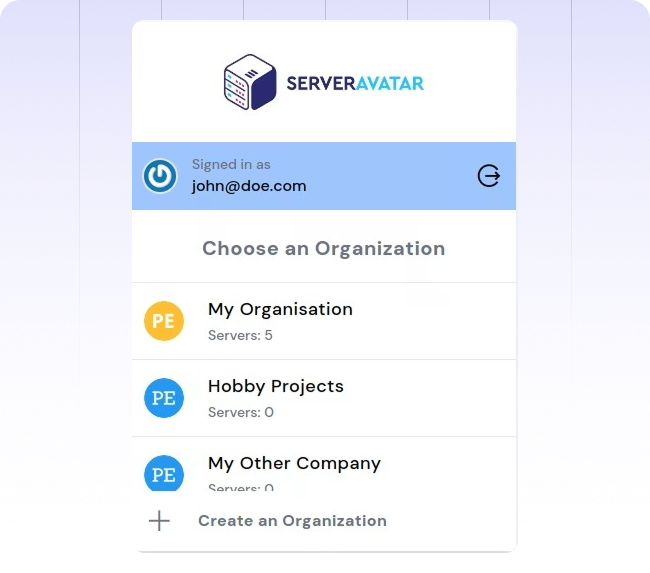
Team is a part of Organisation in ServerAvatar. The idea being, each organisation can have one team with multiple team members. If you want to manage multiple teams, simply create new organisations and add your team members!

No limit on number of team members.

No limit on number of teams.

No limit on number of organisations.

Monitor team member activities.

Granular permission management

It doesn’t matter how you share your server from below given 4 different options. You can always limit the access to your server with permission management.

Create roles for your team members.

Manage permissions for each role.

Manage unlimited roles and members in your teams.

Deploy your first application in 10 minutes Risk Free!

Learn how ServerAvatar simplifies server management with intuitive dashboards and automated processes.